Guide for external collaborators#
This page is for people who have been given access to a EOMatch catalogue hosted by NPL. You do not need to be on the NPL network, install the full eomatch package, or understand the internal pipeline to use the catalogue.
You need:
The URL of the catalogue server (e.g.
http://your-server:8000)Network access to that server (VPN or public IP, as arranged with NPL)
—
Browsing the catalogue in your browser#
Open the catalogue URL in any web browser. You will see the STAC Browser — a web interface that lets you explore collections, events, and matchup items without writing any code.
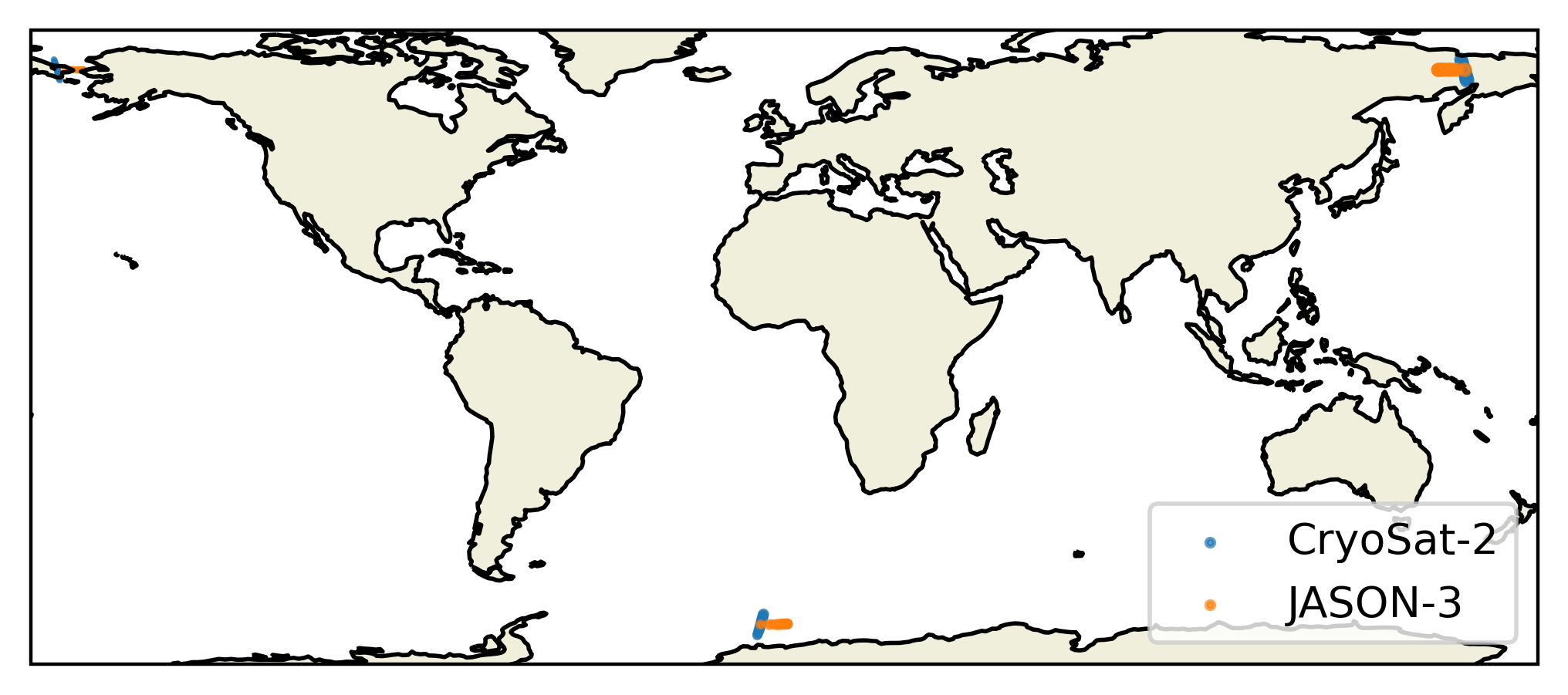
Collections — the top-level groupings. Each collection covers a specific sensor pair (e.g. Landsat 9 vs Sentinel-2).
Items — individual matchup records. Click an item to see its metadata: acquisition times, footprint on the map, time difference between sensors, and any analysis results that have been attached.
Filtering — use the search bar at the top to filter by date range or draw a bounding box on the map to filter spatially.
—
Querying the catalogue from Python#
For scripted access, use eomatch-query to pull items from the catalogue
into a local directory that you can work with offline.
Install the query extra (no NPL package registry needed — this only requires public packages):
pip install "eomatch[query]"

# Or, if eomatch itself is not on PyPI yet:
pip install pystac pystac-client
Pull all matchup items for a sensor pair into a local directory:
eomatch-query \
    --api-url http://your-server:8000/external/ \
    --output ./my_matchups
Restrict by date range, bounding box, or both:
eomatch-query \
    --api-url http://your-server:8000/external/ \
    --output ./my_matchups \
    --collections LANDSAT_C2L1-Landsat-9-vs-S2_MSI_L1C-S2A \
    --start-time 2022-01-01 \
    --end-time   2022-12-31 \
    --bbox       -10 40 30 70
From Python:
import datetime as dt
from eomatch.query import query

query(
    api_url="http://your-server:8000/external/",
    output_path="./my_matchups",
    collections=["LANDSAT_C2L1-Landsat-9-vs-S2_MSI_L1C-S2A"],
    start_time=dt.datetime(2022, 1, 1),
    end_time=dt.datetime(2022, 12, 31),
)
Re-run any time to pick up new items — existing items are updated in place.
—
Filtering by matchup properties#
The catalogue supports server-side filtering using CQL2 expressions. This lets you retrieve only the matchups that meet your quality criteria without downloading everything first.
Common filter properties:
Property |
Description |
|---|---|
|
Time between the two sensor acquisitions, in seconds |
|
Fraction of the matchup footprint covered by land (0–1) |
|
Solar elevation angle at the matchup centre, in degrees |
Apply filters on the command line with --filter:
# Acquisitions within 15 minutes, mostly over water
eomatch-query \
    --api-url http://your-server:8000/external/ \
    --output  ./strict_matchups \
    --filter  "time_diff_s < 900 AND land_fraction < 0.1"

# High sun angle only
eomatch-query \
    --api-url http://your-server:8000/external/ \
    --output  ./summer_matchups \
    --filter  "solar_elevation > 40"
From Python, pass the same string as filter_expr:
query(
    api_url="http://your-server:8000/external/",
    output_path="./strict_matchups",
    filter_expr="time_diff_s < 900 AND land_fraction < 0.1",
)
—
Working with the downloaded catalogue#
The output directory is a standard STAC catalogue. Open it with
MatchupCatalogue:
from eomatch.mu_stac import MatchupCatalogue

cat = MatchupCatalogue.open("./my_matchups")

events = cat.get_events()
for event in events:
    print(event.start_time, len(event.matchup_set), "matchups")
Inspect individual matchups:
for event in cat.get_events():
    for mu in event.matchup_set:
        print(
            mu.stac_id,
            "time diff:", mu.time_difference.total_seconds(), "s",
            "land fraction:", mu.properties.get("land_fraction"),
        )
Access analysis results that NPL has attached to items (if any):
for event in cat.get_events():
    for mu in event.matchup_set:
        if "comparison:latest" in mu.assets:
            print(mu.stac_id, "→", mu.assets["comparison:latest"].href)
—
What you will not see#
The external API strips internal NPL file paths before returning items. This means:
EO product files (the raw satellite granules on NFS) are not accessible remotely. If you need the source products, download them independently from the public archives (CEDA, AWS Open Data, etc.) using the product IDs in the item metadata.
Analysis NetCDF files stored on NFS are similarly stripped. NPL can provide these on request, or register them under a publicly accessible URL so they appear in the external catalogue.
—
Getting help#
Contact the eomatch team at NPL if you:
Cannot reach the server URL
See items you expected but their properties look wrong
Want access to source product files or analysis outputs
Want to understand what a particular property or asset key means